
How to vertically align the add-to-cart button
Sometimes using an image for the add-to-cart button does not vertically align correctly, as seen below.
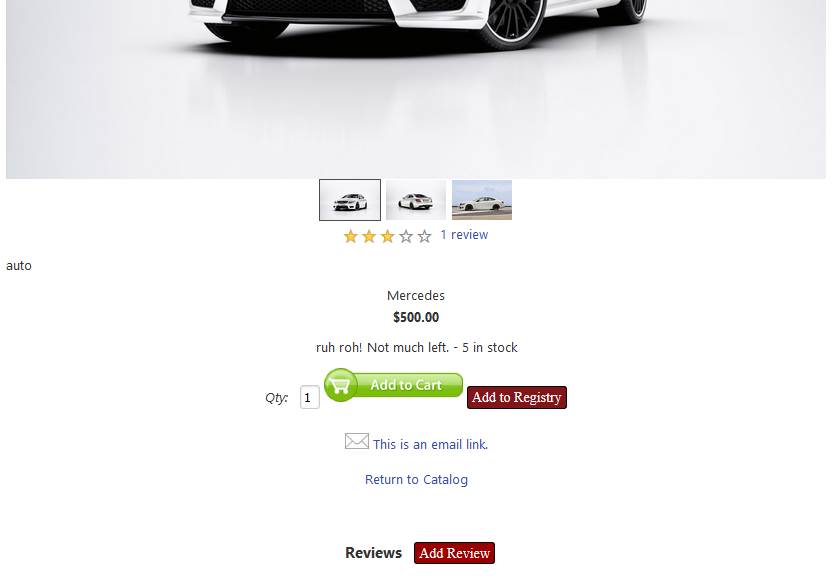
As you can see, the add-to-cart button has a vertical alignment problem. Add this code in the <head> section of the template. Note the 15px may be changed to align it better.
/* vertically align add to cart image */
div.itemlabels.label_qty input[type="image"] {
position: relative;
top: 15px;
}
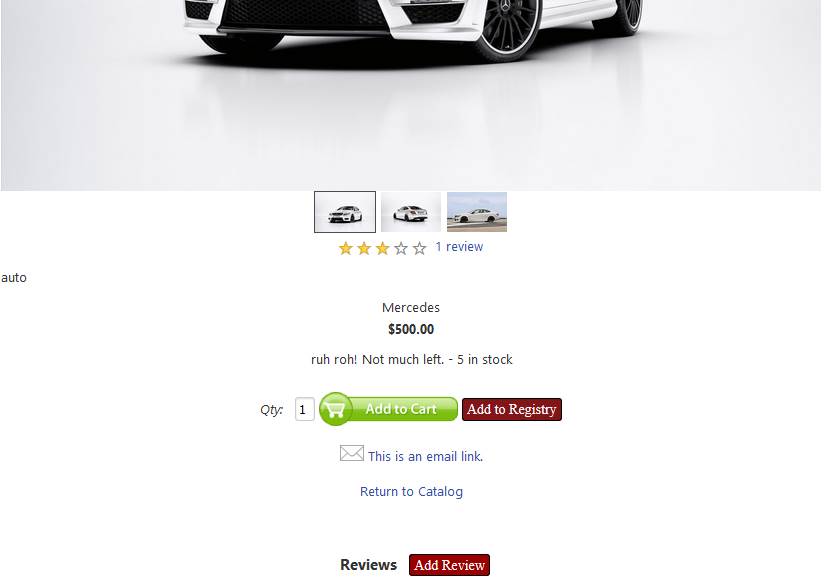
As you can see, the added css code to the template fixed the problem.
***